Arcade Joystick
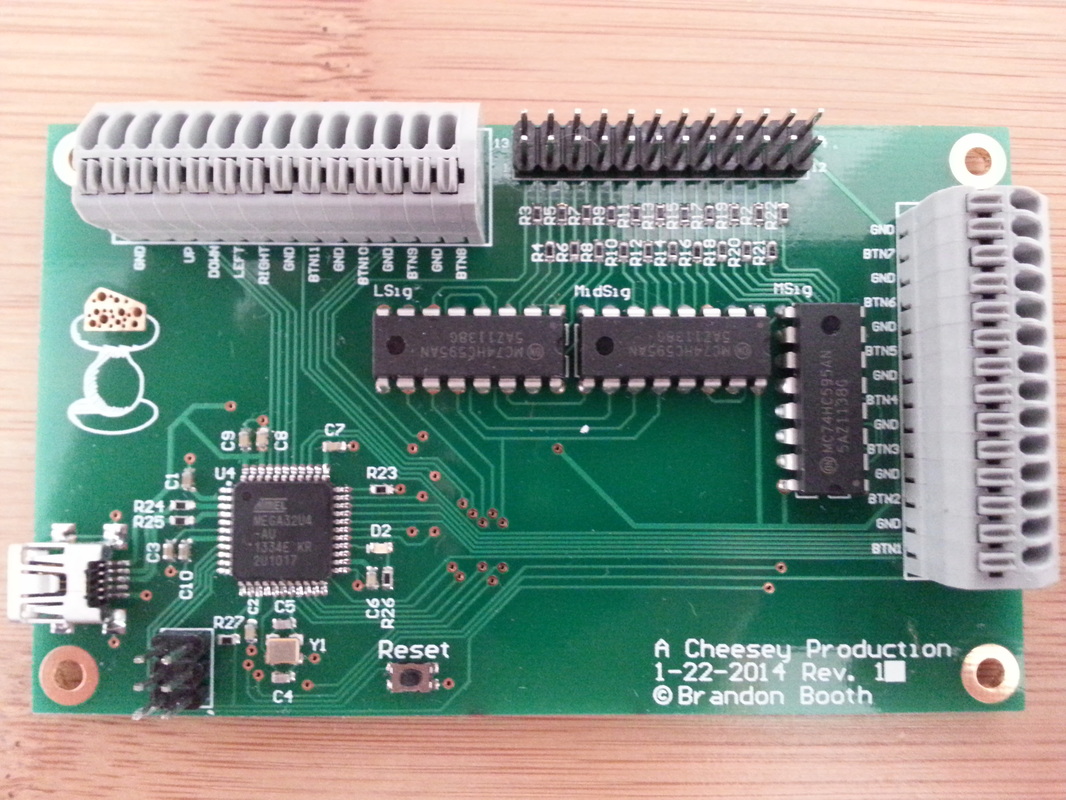
Slagcoin joystick layout guide (external link, opens in a new tab) Autodesk Inventor (external link, opens in a new tab) Teensy 2.0 (external link, opens in a new tab) MAME (external link, opens in a new tab)
I’ve always wanted to build my own arcade-style joystick controller, so I finally sat down and designed one from scratch, starting with the electronics. I based the button and joystick layout on the excellent reference guides at Slagcoin, and decided to drive everything through a Teensy 2.0 microcontroller, which shows up to a computer as a standard USB HID game controller and works great with MAME and other emulators.
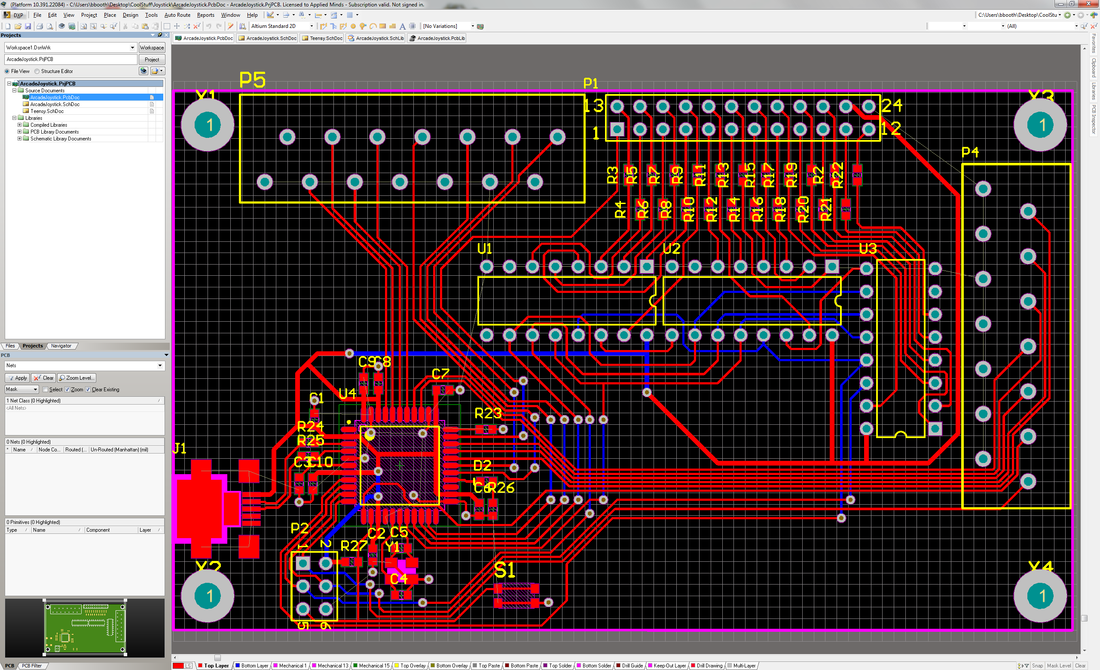
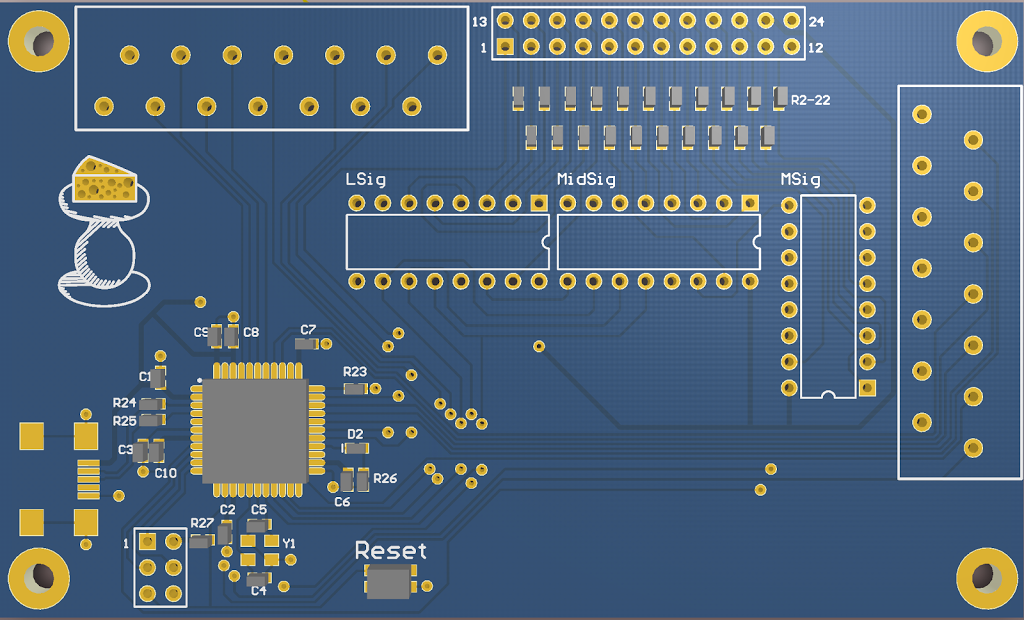
Once the PCB design was finalized, I had it fabricated by Seeed Studio and ordered arcade buttons and a joystick from Arcade Spare Parts. Here’s an early prototype running on the breadboarded PCB:
With the electronics working, I moved on to designing the housing. I wanted something with a trapezoidal profile similar to a classic arcade cabinet control panel, so I modeled it in Autodesk Inventor and had the panels cut on a water jet. Here’s an early test cut of one of the panels:
After test-fitting the panels and mounting the electronics, buttons, and joystick inside the trapezoidal housing, I wired everything up to the PCB and Teensy. The last video below shows the finished controller working with MAME:
This project was a fun excuse to get hands-on practice with PCB design, CAD modeling, and microcontroller firmware all in one build - skills I first started picking up in an EE course I took through MITx.